Authentication
A guide to authenticating with the Nomploy CLI
The Nomploy CLI uses a token-based authentication system. To authenticate, you'll need to create an access token and store it securely.
Creating an Access Token
To create an access token, first you need to have permissions if you are admin you don't need permissions.
By default, an access token never expires, but you can optionally set an expiration date when creating it — recommended if the token will be used by a script, CI job, or anything outside your own machine.
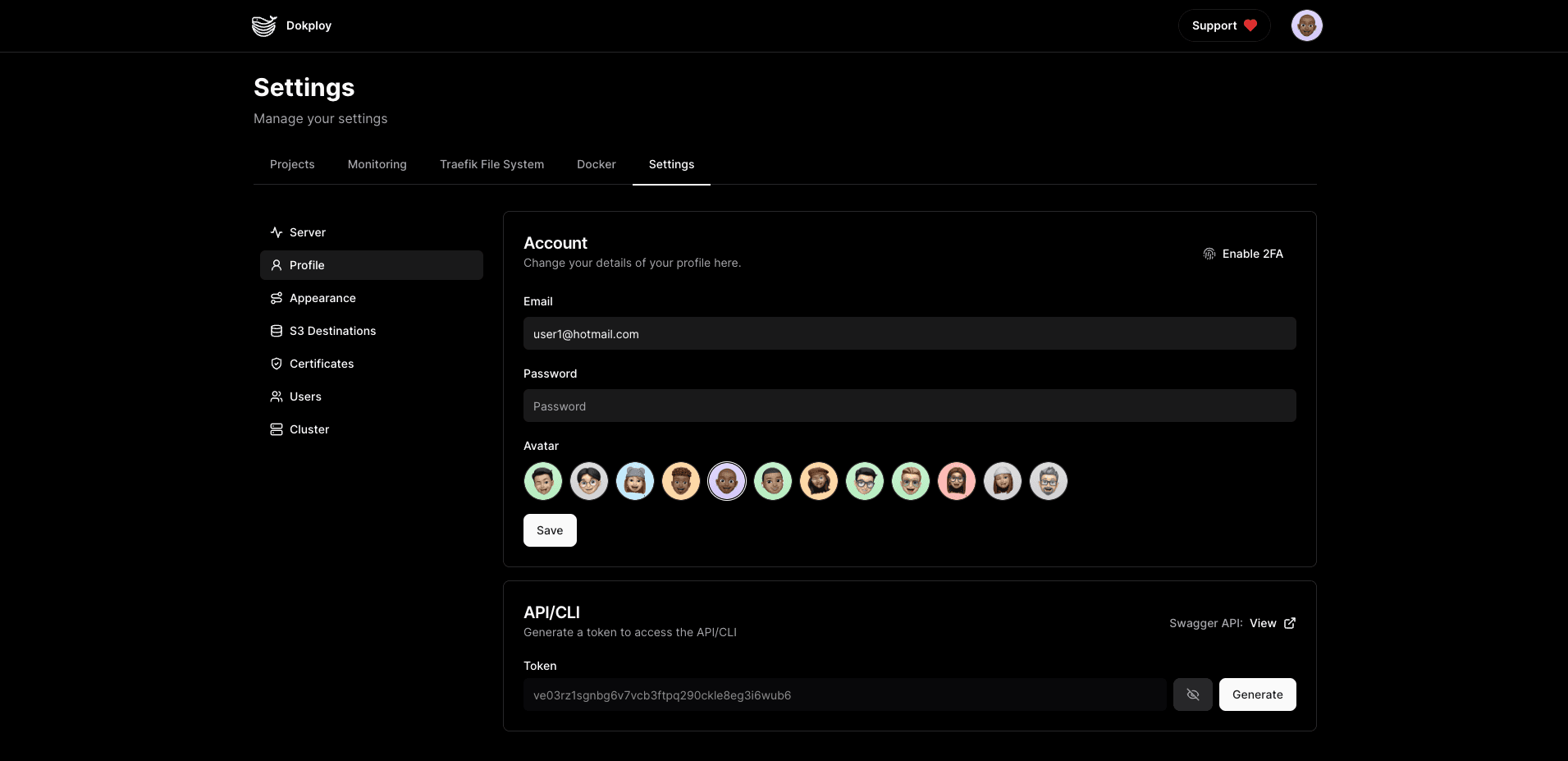
You can go to dashboard/settings/profile and click on the Generate button.
Storing the Access Token
Nomploy when you create an access token automatically will generate a config.json with the access token and the server url.
Commands
nomploy auth -u <host> -t <token>- Authenticate with the Nomploy CLI.nomploy verify- Verify if the access token is valid.